iOS and Android app
Rolecast
The podcast player for actual plays
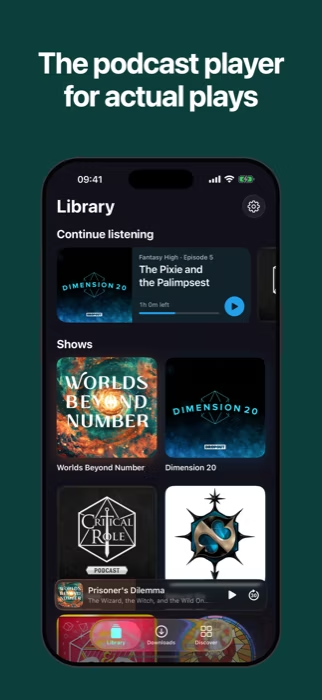
A podcast app for iPhone, iPad, CarPlay and Android that sorts actual-play podcasts into their campaigns and plays them in story order. I researched, designed and built it, and had it in App Review in under four weeks, then built it again natively for Android.
- Days from first research to App Review
- 24
- Days from first research to App Review
- Podcast feeds analysed to design it
- 22
- Podcast feeds analysed to design it
- Shows with grouping rules
- 97
- Shows with grouping rules
- JSON file instead of a backend
- 1
- JSON file instead of a backend
The problem
Hundreds of hours, in the wrong order
Actual plays are podcasts of people playing tabletop roleplaying games: Critical Role, Dimension 20, Worlds Beyond Number. One story runs for years, and a single episode often lasts three or four hours.
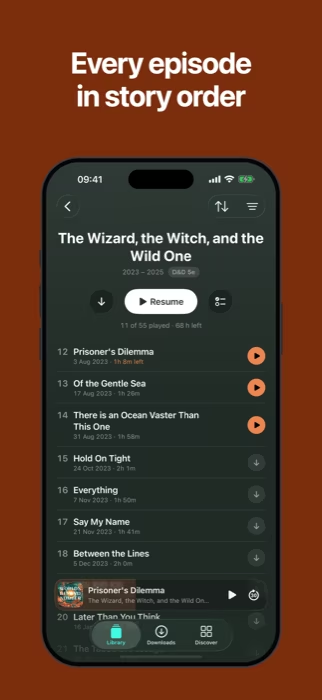
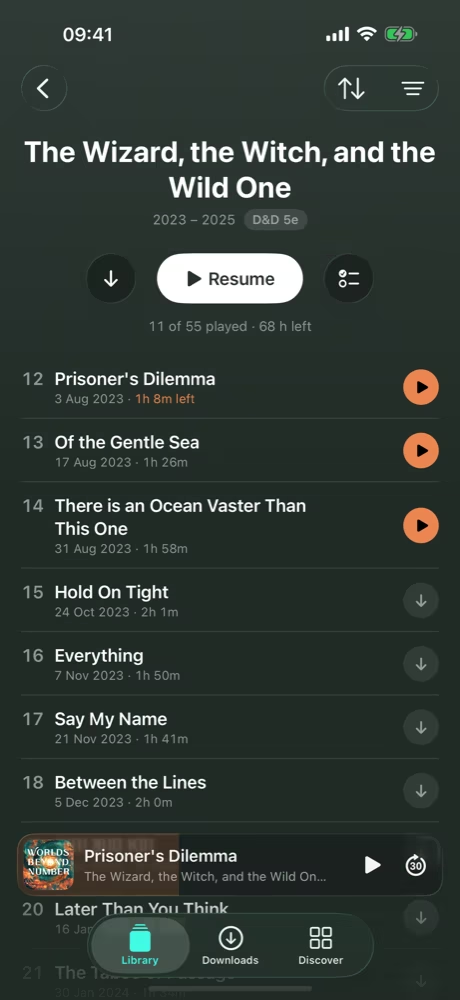
Podcast apps treat them like news. Every campaign, one-shot and bonus episode lands in one list, newest first. Starting a campaign at episode one means scrolling back through hundreds of episodes and keeping track of where you are yourself.
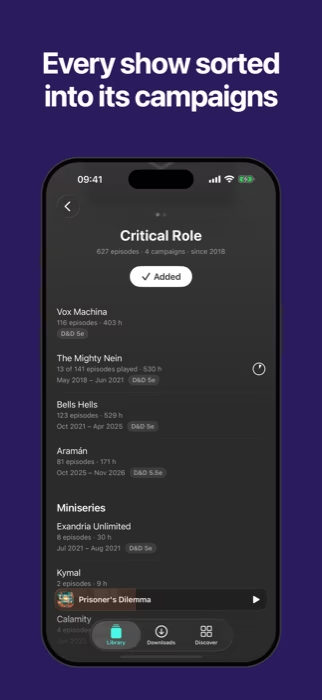
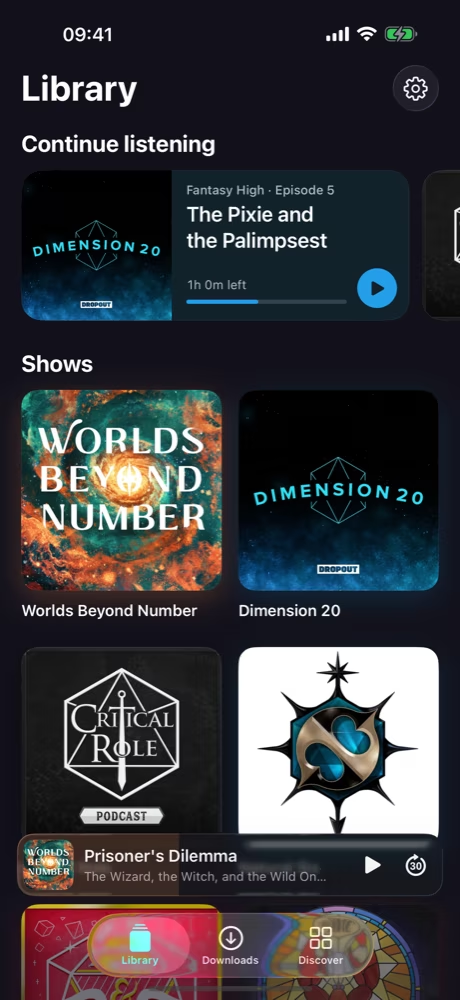
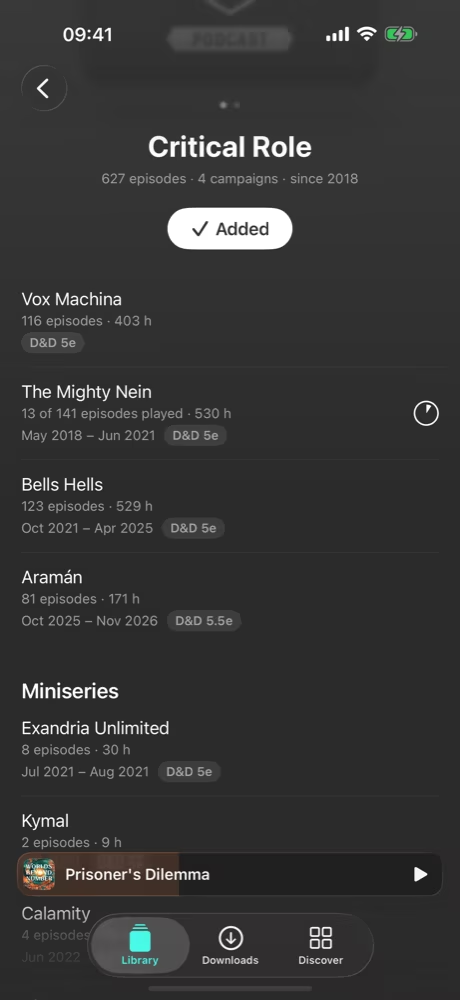
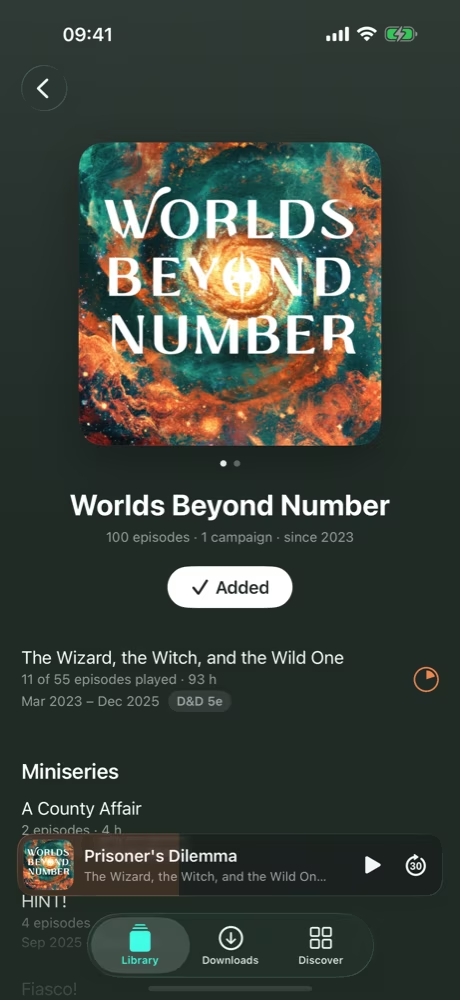
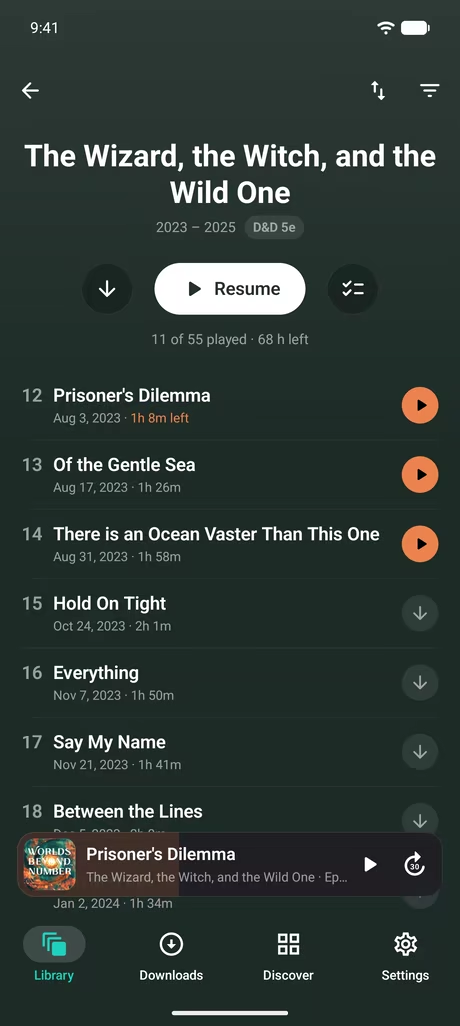
Rolecast fixes that. It splits each show into its campaigns, plays them in order, and remembers where you are in each one.
Research
Reading the feeds first
I started by downloading 22 actual-play feeds and measuring what they actually contain.
Apple's season tag looks like the answer, but only 12 shows use it consistently. Some stopped partway through a campaign, and in five shows a season is not a campaign at all. Not one show gives its seasons a name.
The only signal every show uses is the episode title.
- A campaign named in episode titles22 of 22
- A season tag somewhere17 of 22
- A season tag on 85% or more of episodes12 of 22
- Marked as a serial, to play oldest first6 of 22
- Named seasons0 of 22
Grouping
The title names the campaign
Every show has its own title convention, but one rule held across them: split the title on its separators, find the part that carries the episode number, and that part names the campaign.
I prototyped the grouper in Python against the real feeds, then rebuilt it in Swift, in a package with no interface code and 60 tests. It combines titles with season tags where a show uses them reliably, and keeps bonus and talk episodes apart from the story.
C2E20 Labenda Awaits
Critical Role
A Heavy Crown | Critical Role | Campaign 4, Episode 38 Part 1
Critical Role
Fantasy High | Ep. 1 | The Beginning Begins
Dimension 20
High Rollers: Aerois #70 | The Last Feather (Part 2)
High Rollers DnD
PARTIZAN 13: A Captive Audience
Friends at the Table
I Bless the Rains | Time For Chaos S4 E13 | Call of Cthulhu
The Glass Cannon Podcast
Fixes without a release
Rules that update themselves
Some shows need help the grouper cannot guess: older campaigns that live on a separate feed, or a series whose titles name it badly. Those fixes live in one JSON file, served from this website.
The app checks the file every time it opens. When nothing has changed, the server answers "not modified" and that is the end of it. When something has, any show you have open regroups straight away. A fix reaches everyone the next time they open the app, without waiting for App Review.
A command-line tool runs every change against the live feeds, using the app's own grouping code, before I publish it.
Listening
Built for four-hour episodes
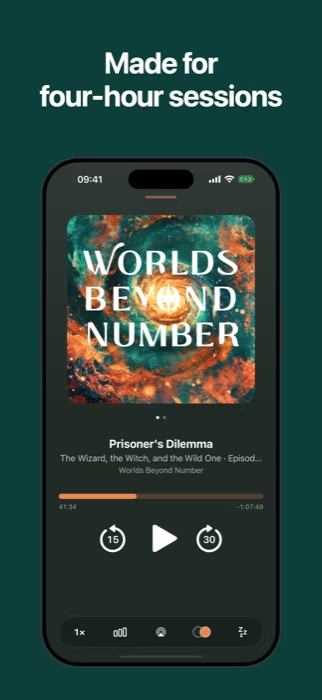
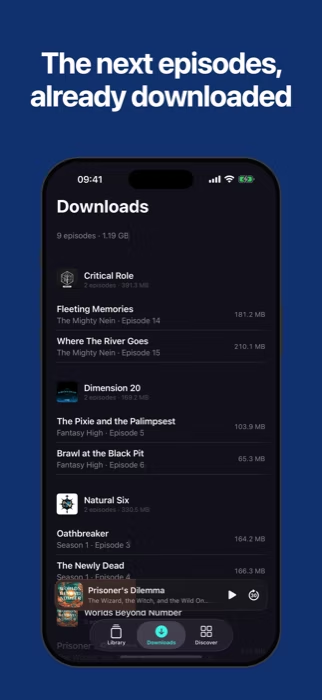
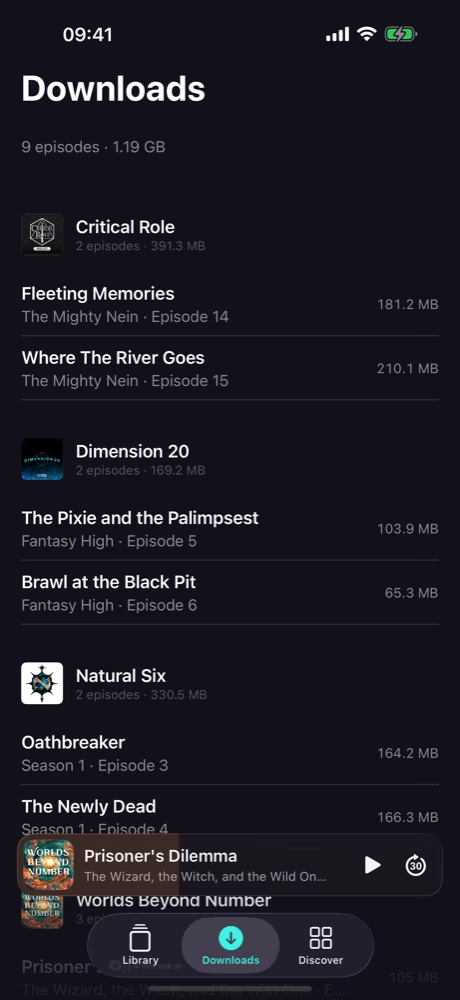
Episodes can run to 400 MB, and many hosts insert adverts as the file downloads. That breaks streaming and resumed downloads, so Rolecast downloads whole episodes in the background before it plays them.
Downloads wait for Wi-Fi unless you allow mobile data, and the app asks before it uses any. The next episodes of each campaign you have started stay downloaded, and played ones clear themselves.
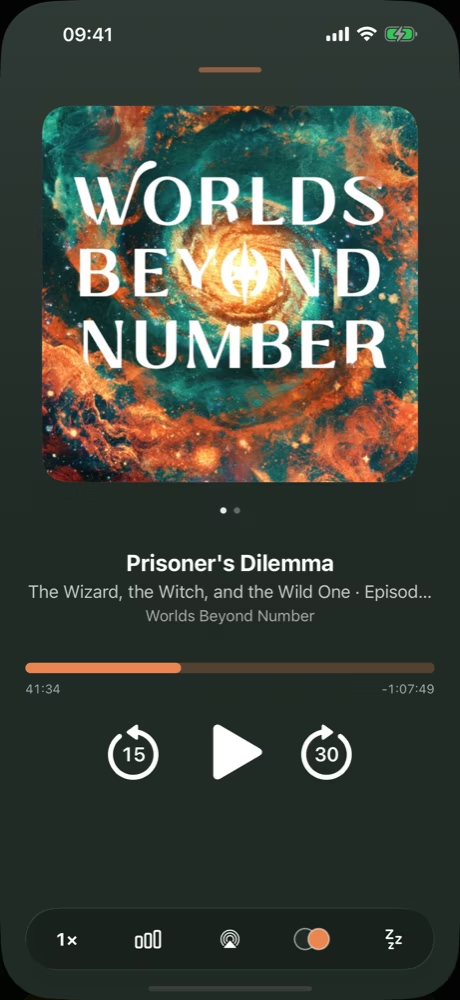
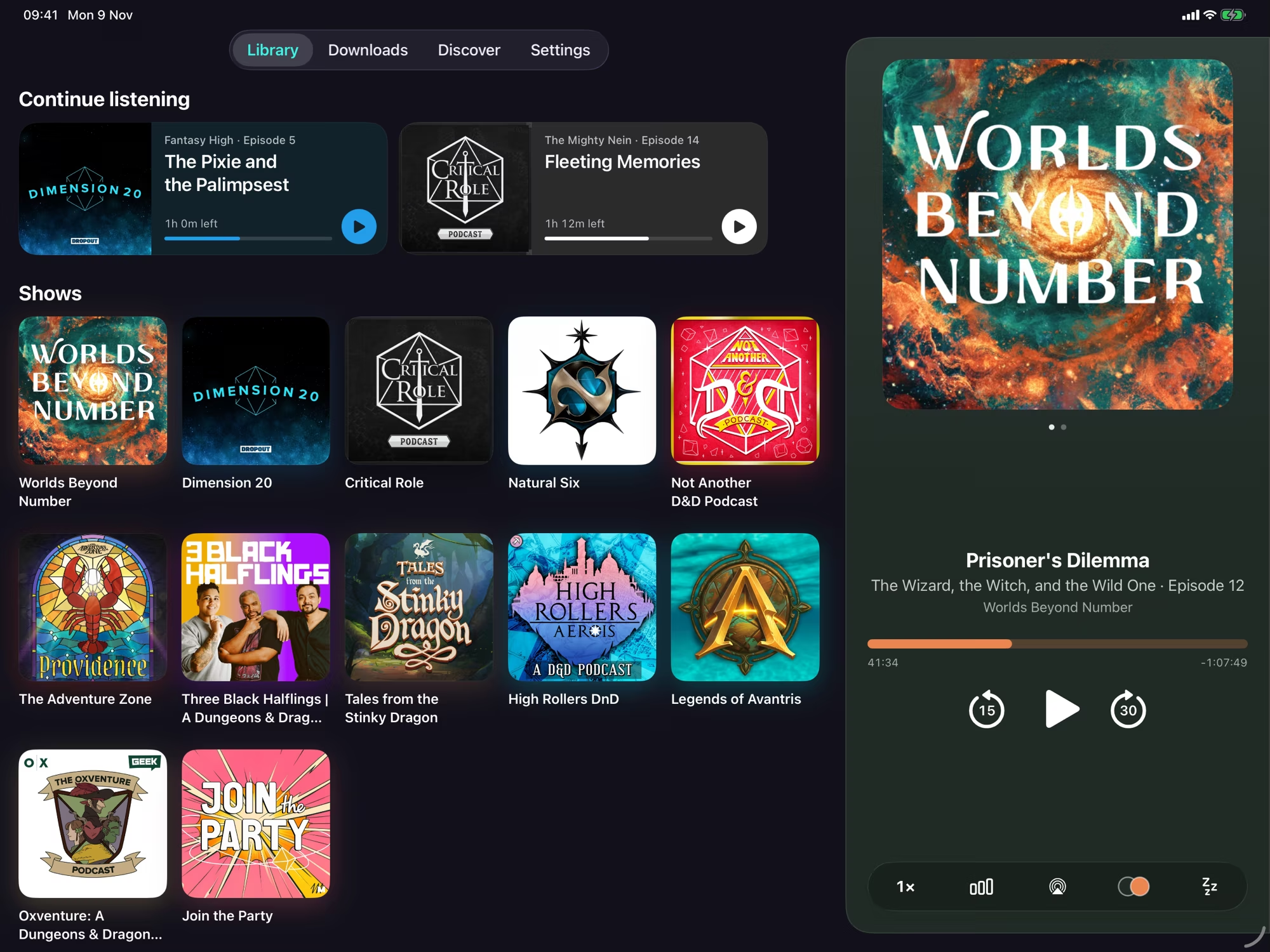
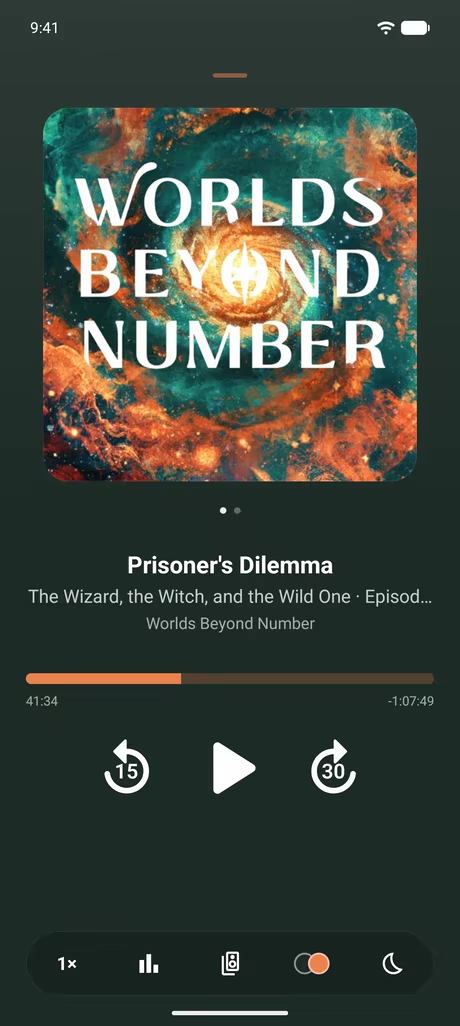
The player takes its background from the show's artwork, and has a sleep timer, playback speed, and buttons to skip back 15 seconds or forward 30.
Everywhere
iPhone, iPad, CarPlay and iCloud
On iPad, the player stays open beside whatever you are browsing: the library, a show or a campaign. In the car, CarPlay has its own tabs for shows and downloads, and you can browse a show by campaign.
Shows you follow, your progress and what is playing sync through iCloud, using Apple's CloudKit sync engine and your own private database. There is no account to create, and nothing passes through a server of mine.
Android
Built again, natively
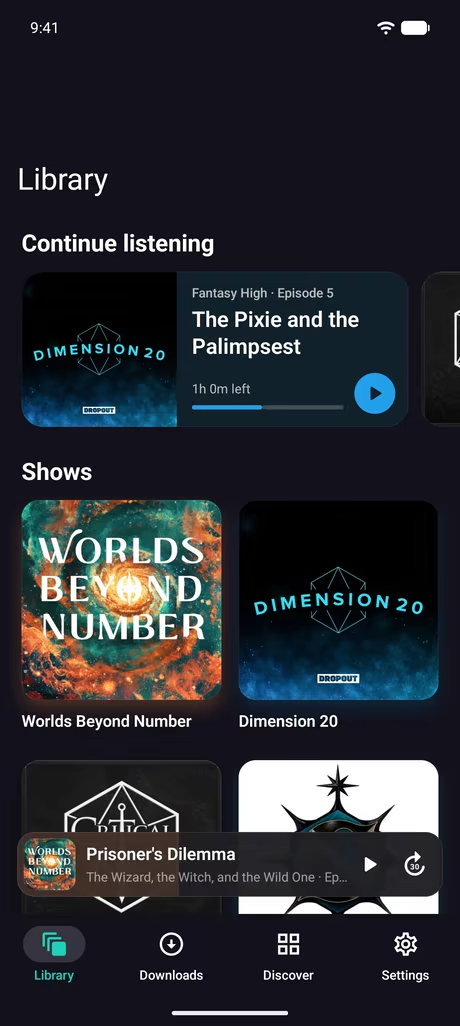
The Android app is written in Kotlin with Jetpack Compose, not shared with iOS through a cross-platform layer. I ported the grouping package line by line, with all 60 of its tests. A second set of tests checks that the Kotlin stand-ins for Apple's date and URL parsing give the same answers as the originals, using inputs I ran through Apple's code on a Mac. Both apps read the same rules file, so one fix reaches both.
The interface follows Android's own patterns rather than copying the iPhone's. Titles collapse into the top bar as you scroll, menus open as sheets from the bottom, and marking or removing something offers Undo instead of asking first. Settings has its own tab, and the app icon choice changes the icon on the home screen.
Android Auto takes CarPlay's place. Instead of iCloud sync, Android's own backup can carry your shows and progress to a new phone.
Discover
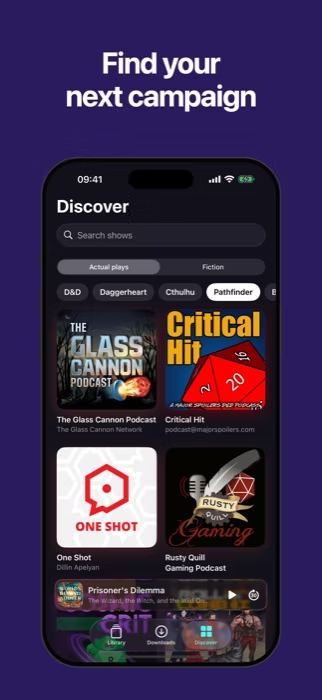
Find shows by the game they play
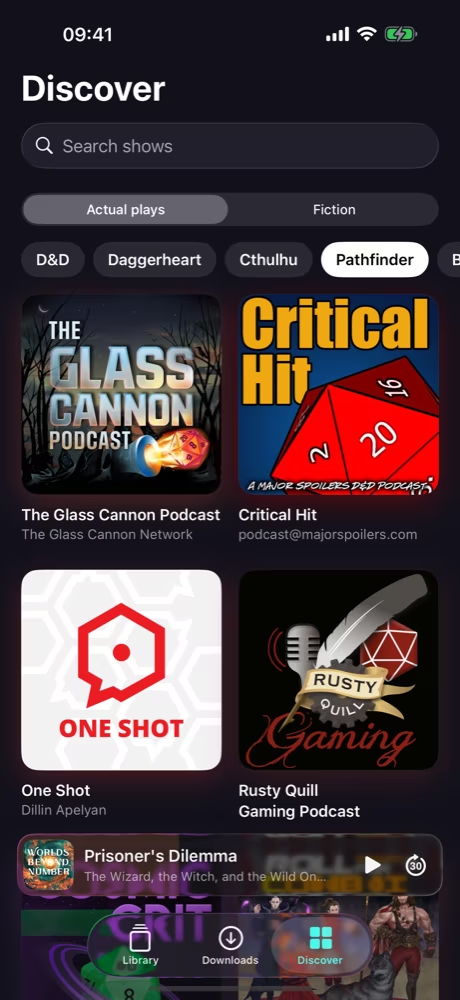
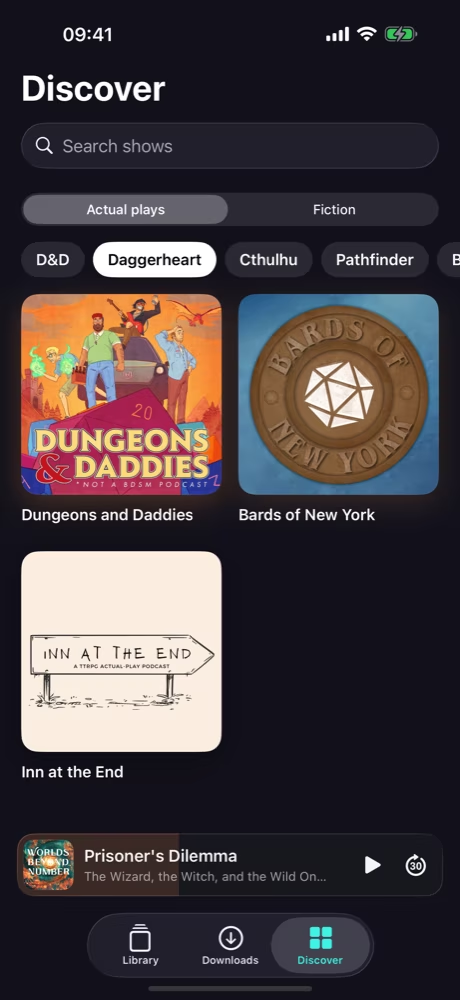
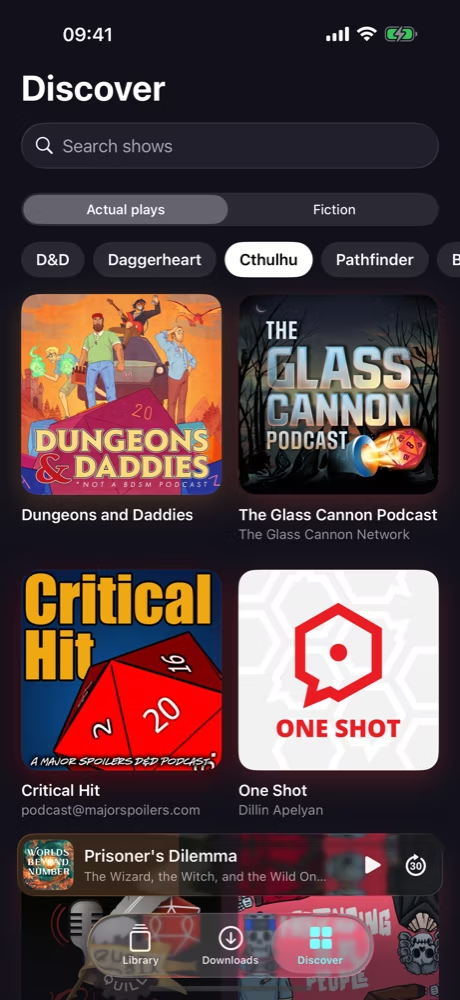
Discover lists actual plays and fiction podcasts, tagged by the game being played. The tags come from the same rules file, so new shows and systems appear without an update.
Shipping
From simulator to the stores
The App Store screenshots come from one command. UI tests load a demo library, drive the app on iPhone and iPad simulators, and a script composes the finished images. The same script makes the Google Play images from the Android emulator, and builds, store text and images reach Google Play through its publishing API.
Rolecast collects no data. There is no analytics, advertising or tracking. Its App Store privacy label says "Data Not Collected", and its Google Play data safety section says no data is collected or shared.